Song requests
Search by song or artist and add it in one tap.
Guests request songs and vote on what they want to hear. The DJ sees one organized queue and stays in control.
Quevo brings DJs, hosts, and their audiences together. Guests request and vote. The DJ stays in control. Quevo is a companion app, so it never plays music or connects to DJ gear.
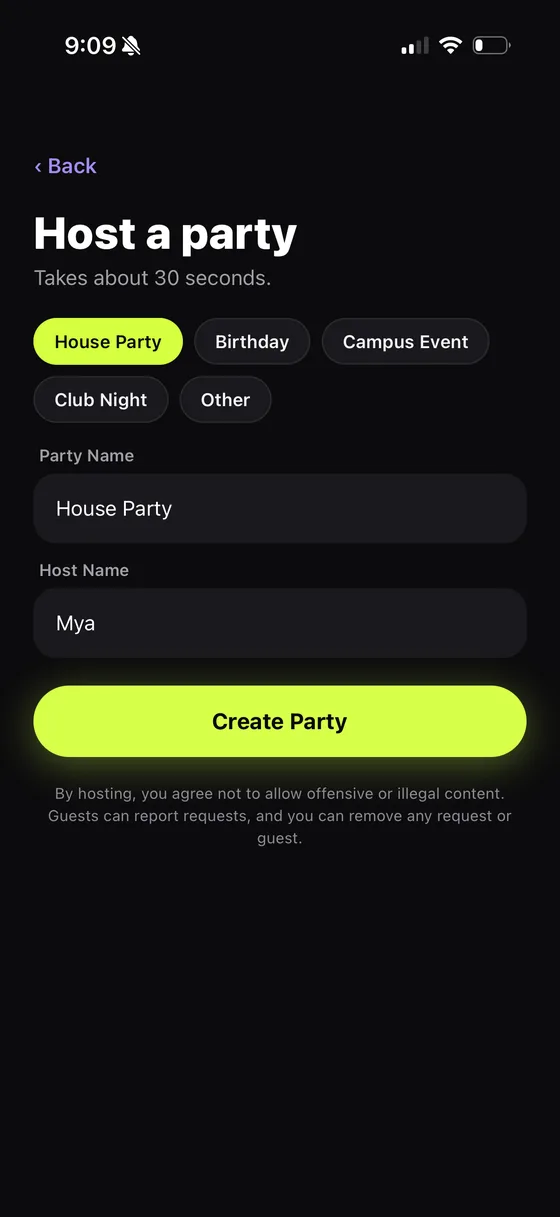
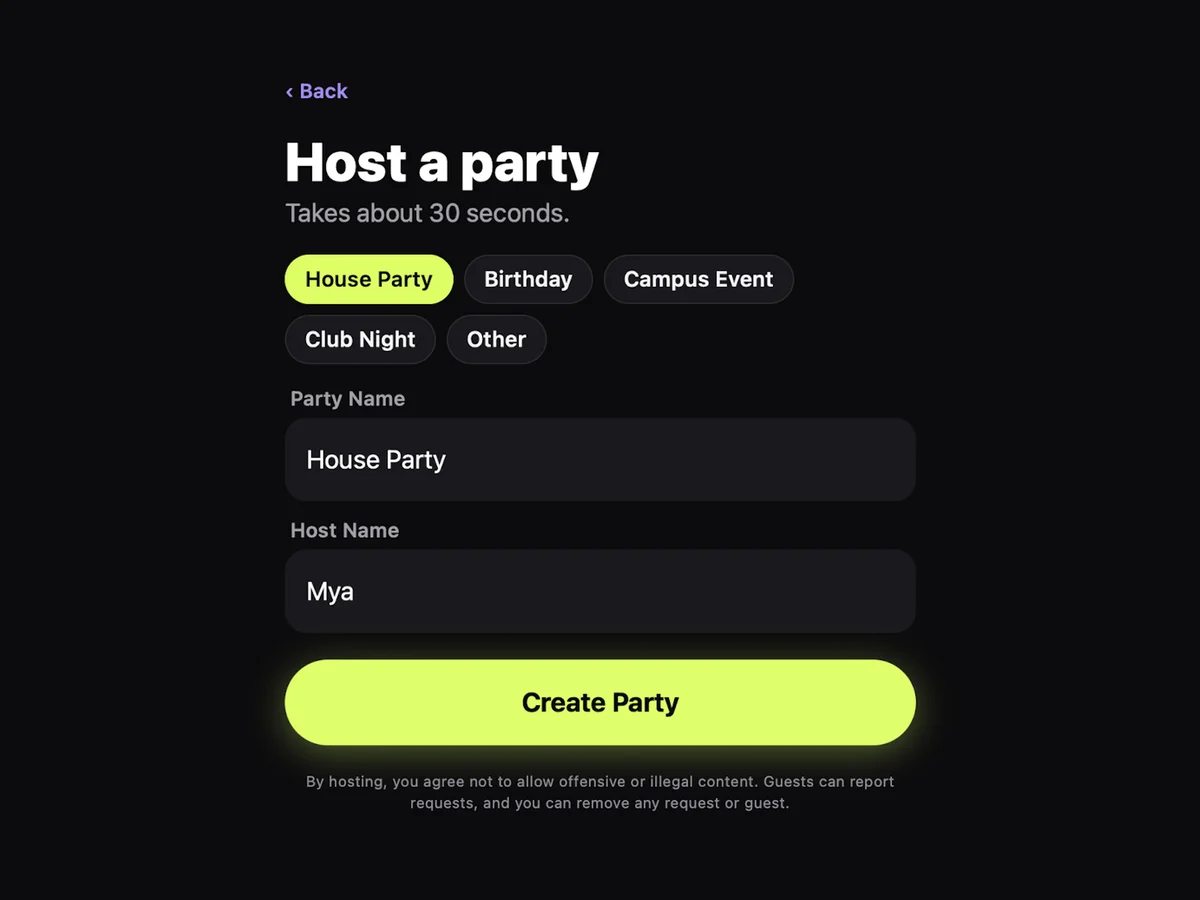
Name your party and get a party code to share.
Search by song or artist and add it in one tap.
One tap moves a song up.
Everyone sees what is playing, as tracked by the DJ.
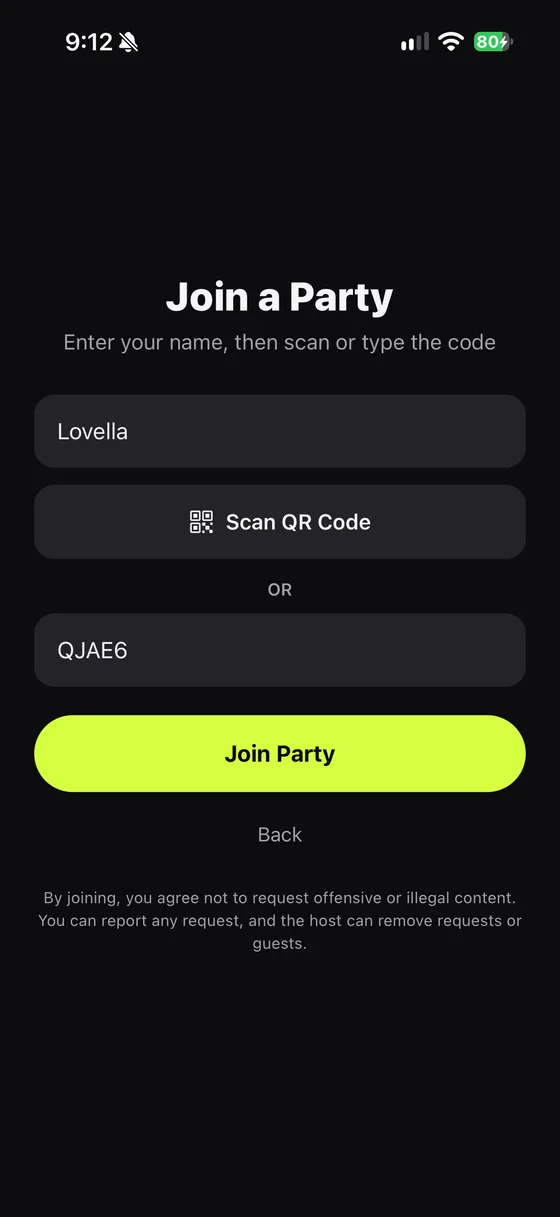
Guests join with a party code and become part of the night.
Every request in one list, with votes, BPM and key.
See which genres the room is leaning toward.
Example songs shown for illustration. Artwork is original and abstract. BPM, key and vote counts are illustrative.
Quevo works alongside your existing DJ equipment. You always remain in control of the music, and Quevo is not connected to DJ playback.
Create a party in about thirty seconds, then share the party code so guests can join and start requesting.

Bring your people together through music.
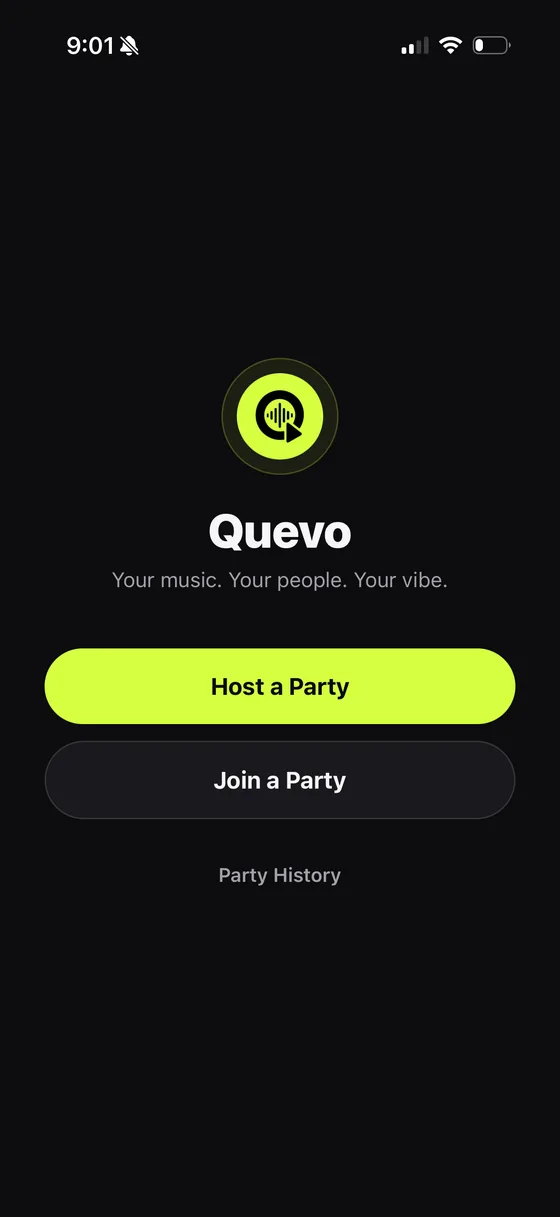
Quevo is a companion app for DJs and party hosts. Guests join a party, request songs, and vote, and the DJ sees a ranked queue.
Open Quevo, tap Join a Party, enter your name, then scan the party QR code or type the five-character party code.
A download QR code opens the official Quevo download page. A party QR code belongs to one event and lets guests join that party from inside the app.
No. Hosting only needs the app. If you are playing music, you play it from whatever you already use.
No. Quevo does not play or stream music. It organizes requests and votes.
No. Quevo works alongside your existing setup and is not connected to DJ playback.
Yes. Guests can vote on requested songs so the DJ can see what the room wants.
No. The DJ always stays in control and can reorder, skip, or remove requests.
The song titles and artists are popular examples used to show how Quevo works. The artwork is original and abstract, and the BPM, key, votes and guest counts are illustrative. Quevo is not affiliated with or endorsed by any of these artists, and the site is not a live event.
Email support@quevoparty.com or visit the support page linked in the footer.
Select Become a Founding DJ in the For DJs section and tell us about your events.
Questions, feedback, or partnership ideas.
Tell us about you and your events. This page does not send forms yet: you get a message to copy and email.